
How to reduce e-waste starts with making better choices before an old phone, laptop, TV, or printer reaches the trash. Keeping electronics longer, repairing what still has life left, donating usable devices, and recycling the rest can all keep more electronic waste out of landfills.
It’s easy for old electronics to pile up without you noticing. One phone goes into a drawer, an old monitor ends up in the garage, and a broken printer sits there because you’re not sure what to do with it. These seven practical steps can help you deal with e-waste in a safer, simpler way.
One of the simplest ways to reduce e-waste is to keep working electronics in use for as long as they still meet your needs. Replacing a device only when it no longer works well for you slows down the cycle of buying, discarding, and replacing electronics.
Before replacing a device, ask whether a battery change, software update, added storage, or another small fix could extend its useful life. Even getting one or two more years out of a device can delay another electronic item from entering the waste stream.
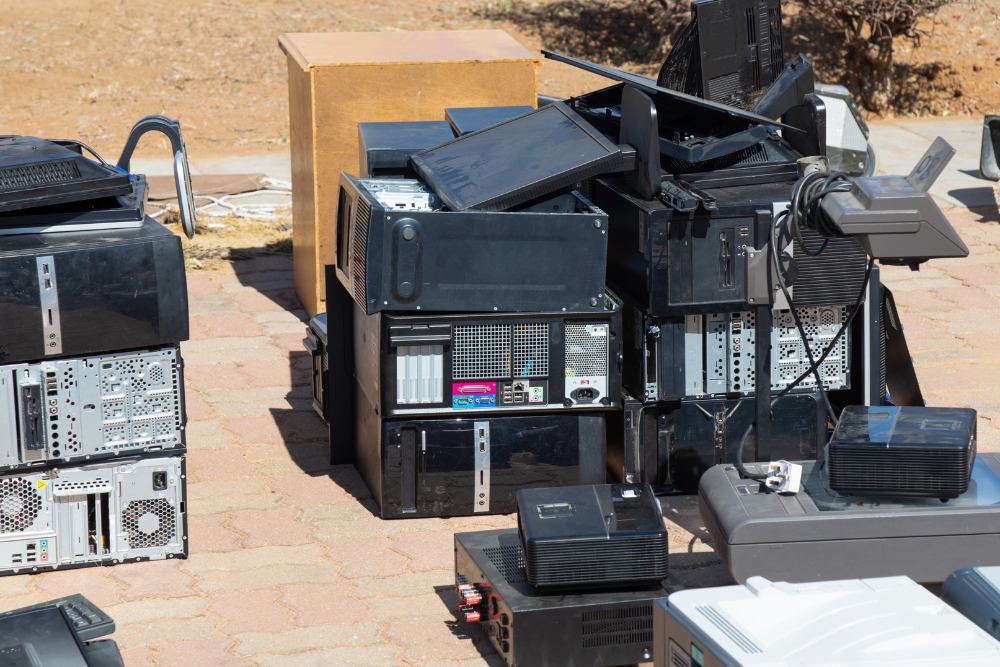
Repair can help reduce e-waste when a device still meets your needs, and the problem can be fixed without replacing the whole item. A damaged screen, weak battery, loose connection, or failed part does not always mean the entire device has reached the end of its life.
A simple decision guide can help:
Device Situation | What to Consider |
Still useful and repairable | Fix it if the repair makes sense |
Working but no longer needed | Donate or sell it |
Broken beyond practical repair | Use proper e-waste disposal |
The goal is to get the most useful life out of each device before deciding it truly needs to be replaced.
Working electronics do not have to become waste just because you no longer need them. Donating, selling, or giving away a usable device can extend its life and keep another person from needing to buy a new one right away.
Before passing along a phone, laptop, tablet, or computer, take a few minutes to protect your information:
The Los Angeles electronic waste disposal guidelines also recommend removing personal or sensitive information before recycling electronics. Simply deleting files may not permanently erase stored data.
If the device still works, reuse should come before disposal. Passing it along can give the electronics more useful life before recycling becomes necessary.
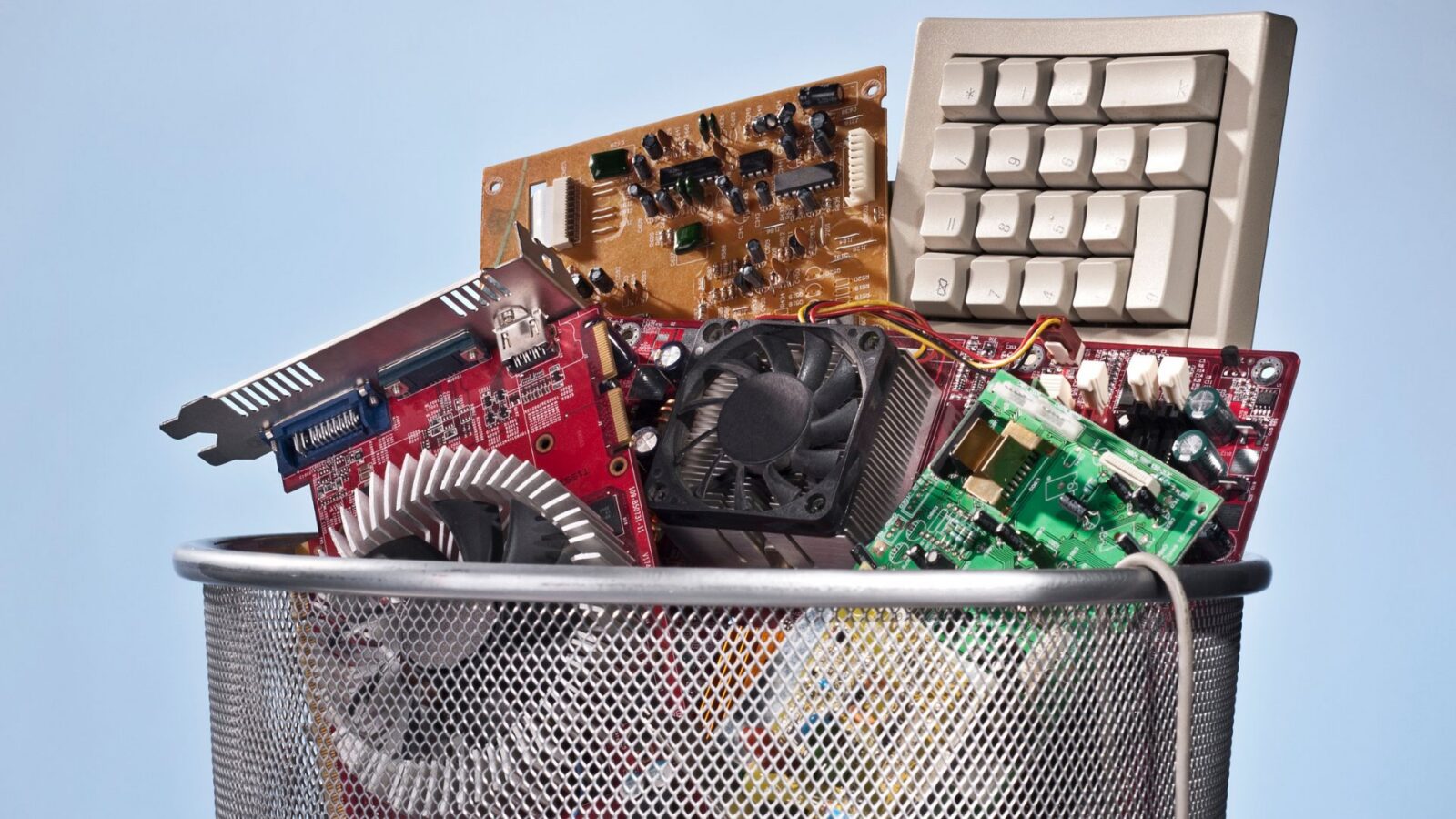

No. California does not allow e-waste that qualifies as universal waste to go in household trash. Devices can contain materials such as lead and mercury, so they need an approved collection or recycling route. The California electronic waste rules explain how the state handles these items.
In 2025, about 67 million pounds of covered electronic waste, representing about 2.2 million devices, were claimed through California’s covered electronic waste recycling program.
In Los Angeles, you can use:
If you’re dealing with electronics as part of a larger home, garage, office, or property cleanout, our e-waste disposal service can help with the removal side.
Reducing e-waste also means dealing with old electronics instead of letting them sit forgotten for years. Garages, closets, storage rooms, offices, and spare rooms can slowly collect outdated computers, screens, cables, printers, and other devices that no one plans to use again.
When you sort through old electronics, use three simple groups:
A simple sort like this can make a larger cleanout feel much easier to manage and helps you avoid sending usable electronics straight to disposal.
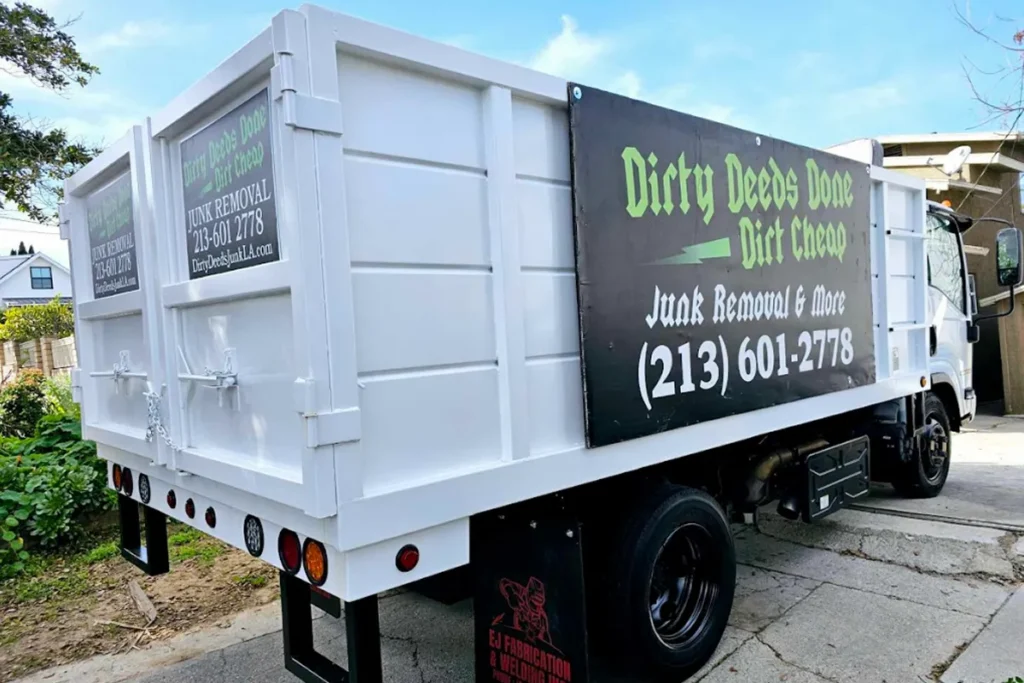
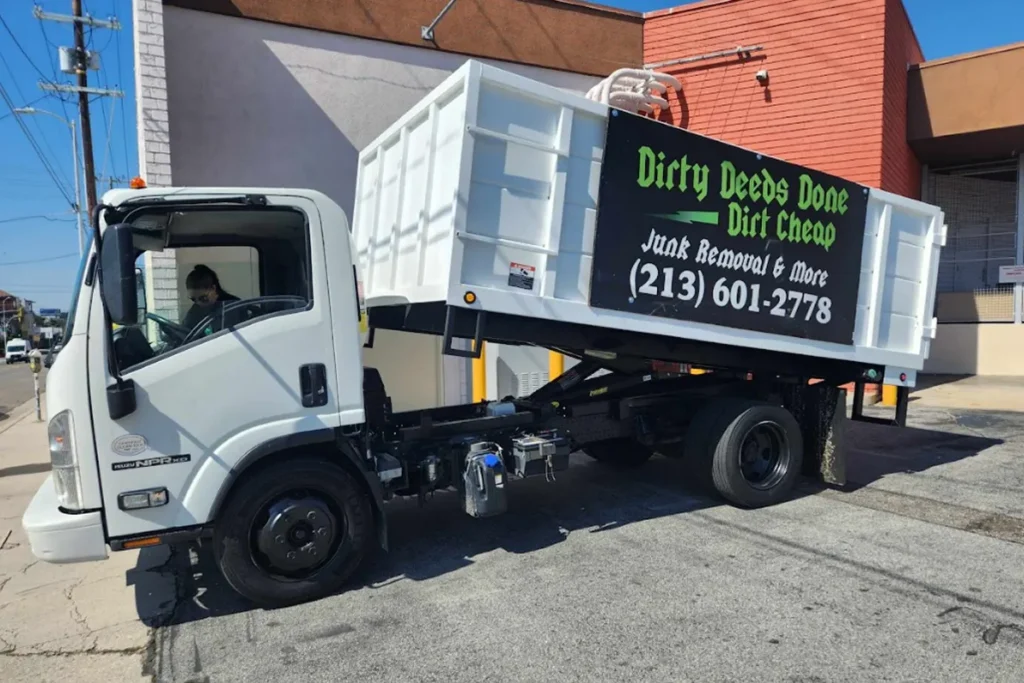
A junk removal company can help when e-waste is part of a larger home, office, garage, estate, or property cleanout. Instead of moving old electronics one piece at a time, you can clear unwanted devices along with the other items that need to leave the space.
For larger amounts of electronics, an e-waste disposal service can make the cleanup easier. Getting help with the removal side can also help reduce e-waste by making it easier to separate electronics from regular junk.
When electronics are mixed into a larger cleanout, tell us what types of devices are in the pile before pickup. A few old monitors and printers may be part of an office cleanout, while TVs, computers, cables, and other electronics can show up throughout a garage, house, or storage area.
You can help reduce e-waste before buying your next device by choosing electronics you expect to use for a long time. Think about whether the device can meet your needs for several years, whether common parts can be replaced, and whether you really need to replace what you already own.
Reducing e-waste starts before disposal. Buying less often, choosing devices you can keep longer, and getting more use from the electronics you already own can all cut down on how quickly new e-waste is created.
Learning how to reduce e-waste comes down to using electronics longer, reusing what still works, and giving broken devices a proper route out of your home or workplace. When you have more electronics than you can sort or move on your own, getting help can make the cleanup much easier.
At Dirty Deeds Junk Removal, we’ve been helping people with cleanouts and junk removal since 2020 and have served more than 2,000 people. We handle electronics, TVs, computers, and e-waste as part of larger cleanouts and removal jobs. If you need help reducing e-waste and clearing unwanted electronics, we can help you figure out the next step.
E-waste can include unwanted electronic devices such as televisions, computers, monitors, laptops, tablets, printers, cell phones, radios, and other electronic equipment. California rules cover many electronic devices as universal waste, but disposal requirements can vary by device. We can also remove electronics and computers when they are part of a cleanout.
Los Angeles residents can use S.A.F.E. Centers, mobile collection events, and other approved collection options for household e-waste. The city lists electronics such as TVs, computers, phones, printers, and cables among the items residents can bring through its programs. Los Angeles electronic waste disposal options provide current guidance on accepted items and local collection choices.
Many electronic devices should not go into regular household trash in California. The state classifies e-waste as universal waste when the device meets hazardous-waste rules, and covered electronic devices cannot be discarded with household garbage. Using an approved collection or recycling route helps keep these materials out of the normal waste stream.
Yes. We handle electronics and TV removal, computer removal and disposal, and e-waste recycling as part of the services we provide. If you’re clearing a garage, house, office, warehouse, or other property, tell us what you have. Call us with a rough list of the electronics and other items to help us understand the size of the job before the cleanup begins.
Before you recycle or donate an old device:
Then decide whether the device can still be reused or needs proper e-waste disposal. If you’re clearing several electronics at once, sorting them before removal can make the whole cleanup easier to manage.